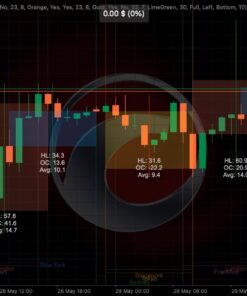
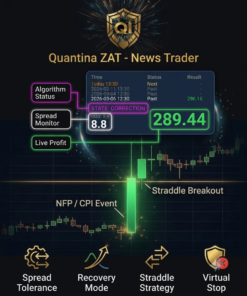
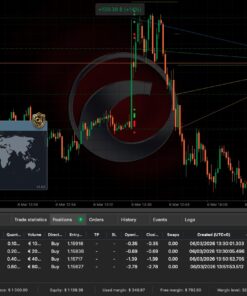
We proudly hold one of the longest verified trading histories on the cTrader Copy platform, running uninterrupted from 2019 through 2026. Mirror our professional algorithmic execution directly onto your cTrader account with complete automated precision.
Target Performance
Monthly Target: ~3% Profit
Annualized Target: ~36% ROI
Maximum Drawdown: Capped at 20%
Daily Activity: Frequent trading opportunities to keep execution active and engaging.
Multiple Risk Accounts
Choose the profile that matches your investment goals and risk tolerance:
Lower Risk / Conservative: Controlled exposure with steady, low-drawdown growth.
1. Open an account with our recommended broker IC Markets.
2. Log into cTrader Copy.
3. Search for Quantina and select your preferred strategy account.
4. Set your copy ratio and start automated execution instantly.
Verified Performance Overview (2019 – 2026)
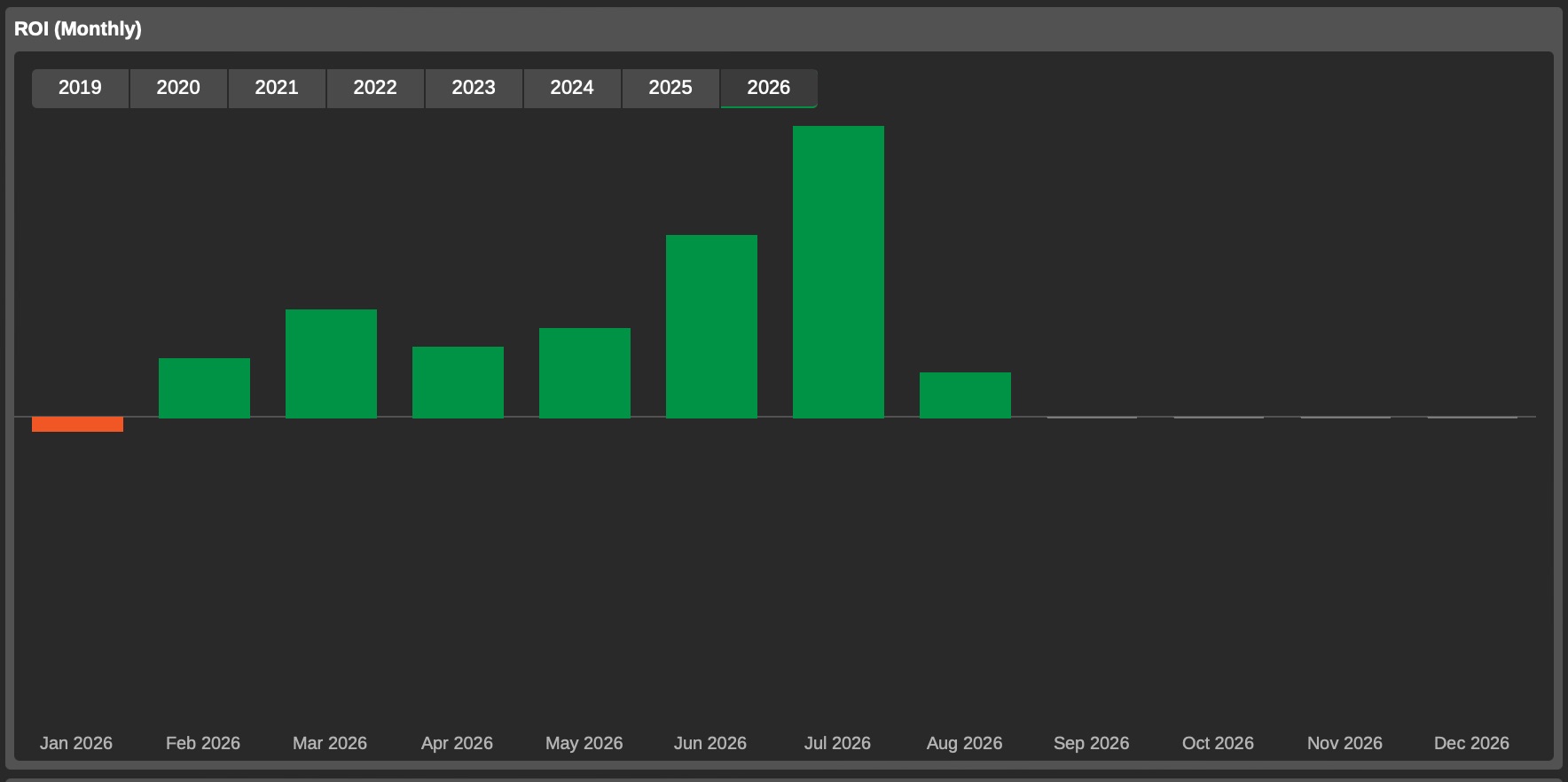
Quantina Monthly ROI Breakdown (2019-2026)
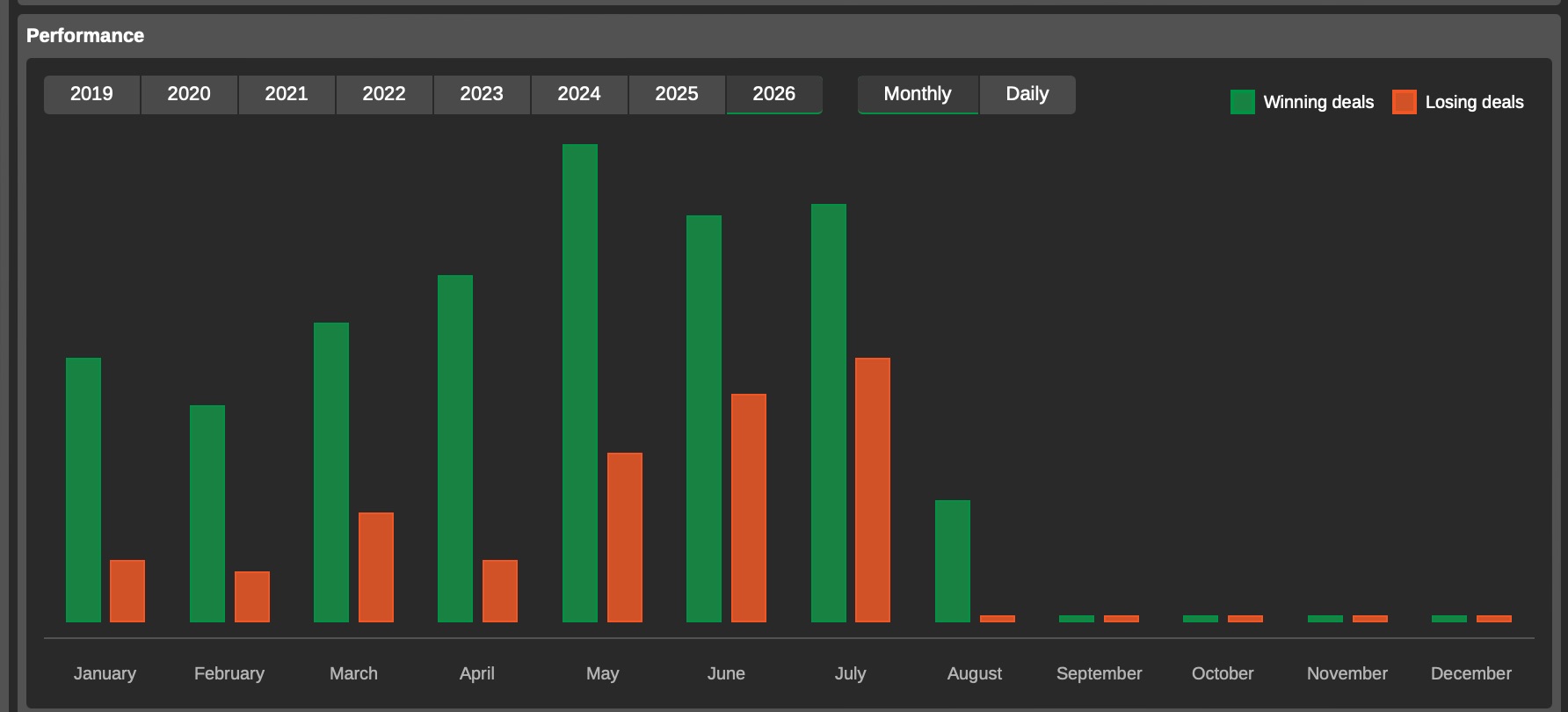
Quantina Winning vs Losing Deals Performance
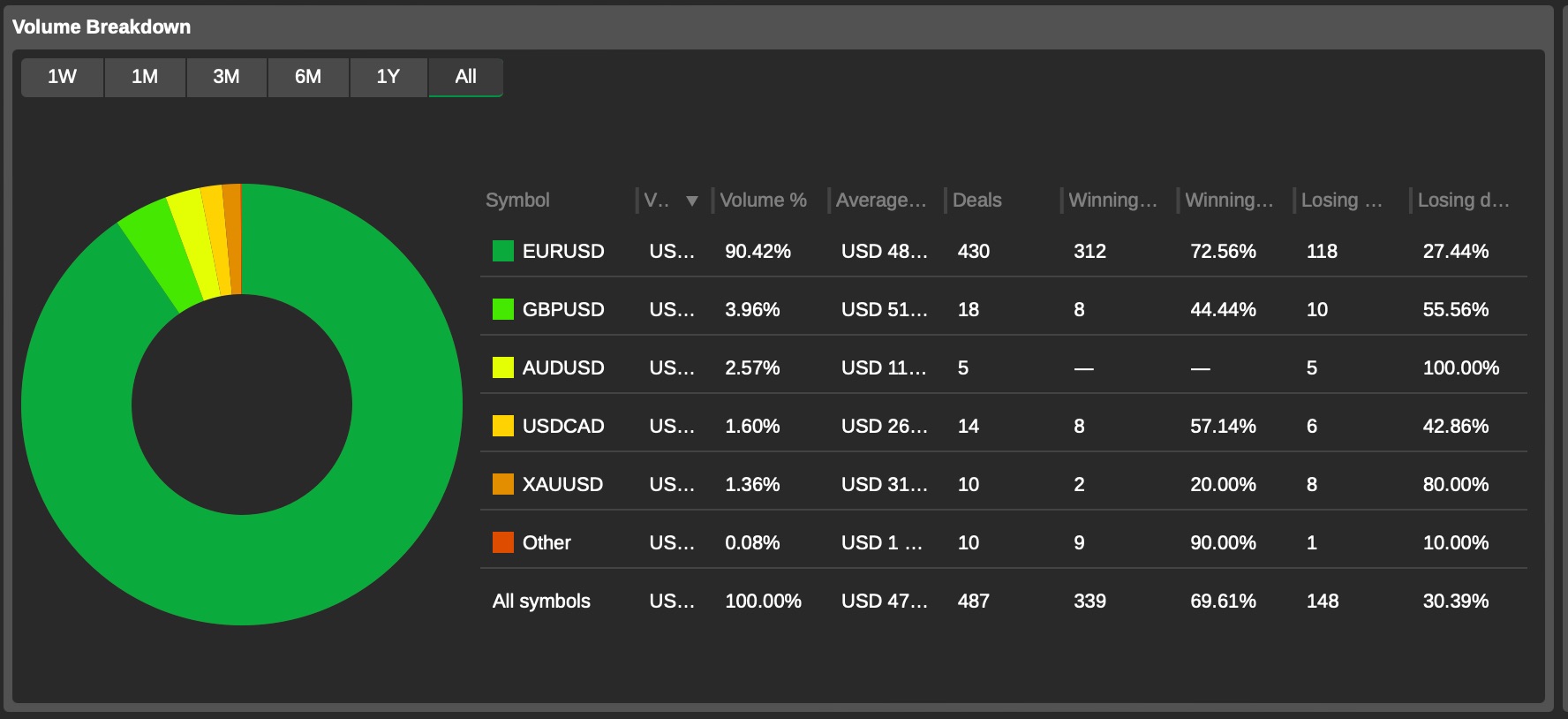
Quantina Volume Breakdown & Symbol Statistics
The Quantina Evolution
From MT4 Pioneers to cTrader Leaders
In 2014, Quantina shook the retail market with the launch of the Quantina Forex News Trader Strategy EA 2.0, becoming one of the most downloaded expert advisors on MetaTrader 4. Over the past decade, our operations have evolved into a streamlined technological hub under Quantina Ltd., unifying software development and client services.
Driven by Real Experience & Authenticity: We do not offer magical shortcuts—financial markets require constant adaptation. What sets Quantina apart is our core philosophy: we actively trade using our own software daily. Our decade-long track record and independent user reviews can be verified on trusted industry platforms like Forex Peace Army (FPA).
No Bank Account details and No obligations needed. Try it today and review.
Beginner Friendly
New to cTrader? Start Here in 4 Easy Steps
Never used cTrader or trading software before? Don’t worry—getting started takes less than 5 minutes with zero risk.
1
Get a cTrader Account
Open a free Demo Account with our recommended broker, IC Markets. No deposit required.
2
Download cTrader
Install the free cTrader desktop platform provided by IC Markets or directly from cTrader.com.
3
Download Quantina Tools
Get our free demo indicators, cBots, or copy our signals directly via cTrader Copy.
4
Test & Learn
Attach the software to your chart or test signal copying risk-free on demo capital.
Our Ecosystem
Explore our comprehensive range of high-performance automated solutions, indicators, and custom execution algorithms built exclusively for cTrader.
cTrader Apps & Algorithmic Automation
Get access to our next-generation cTrader indicators, premium news straddle bots, and proprietary tools built for professional traders seeking ultra-low latency and institutional precision.
Our Copy Trading service allows you to automatically mirror Quantina’s trades in real-time. We offer multiple strategy profiles ranging from lower risk to higher profit targets. Our core strategy targets approximately 3% monthly profit (~36% annually) with a maximum drawdown capped at 20%, maintaining active daily execution. With continuous trading history running from 2019 to 2026, it stands as one of the longest verified track records on cTrader Copy.
cTrader is a modern, state-of-the-art trading platform used by professional traders worldwide due to its extreme speed and user-friendly design. If you are entirely new, start by opening a free Demo account with our recommended broker, IC Markets. You will receive virtual funds to practice without any financial risk. Next, download and install cTrader on your PC, laptop, or mobile device. From there, you can download any of Quantina’s free demo tools or test our Copy Trading signals.
Installing Quantina software is practically automatic. Once you download an indicator or cBot file (which ends in .algo) from our website:
1. Double-click the downloaded file, and cTrader will automatically open and install it.
2. In cTrader, navigate to the Automate or Indicators tab on the left panel.
3. Drag and drop the Quantina tool onto your selected chart.
4. Adjust your settings or keep the default parameters, then click Play / Start. We provide detailed video tutorials for every tool to guide you step-by-step.
Quantina’s corporate management is fully centralized under Quantina Ltd. (UK Company Number: 11386654), which serves as the primary operational entity managing all commercial trading software, client support, and cTrader product development. Under a strategic consolidation, Quantina Ltd. officially took over the entire software and FOREX development division from Quantina Intelligence Limited (UK Company Number: 08672534) and fully absorbed Quantina Capital UK into its corporate structure. While Quantina Intelligence remains an active entity, its scope is dedicated exclusively to financial engineering and specialized research. The unified software division and Quantina Ltd. are led by founder, Director, and CEO Bela Kovacs (75% majority owner).
Quantina has been built on an unwavering commitment to authenticity, credibility, and open documentation since 2013. We do not promise unattainable perfection or ‘holy grail’ algorithms, as real market conditions constantly fluctuate. Instead, our history, legacy performance tests, and user feedback are completely transparent and verifiable across public platforms such as Forex Peace Army (FPA), the MQL5 Market archives, MyFxBook, and YouTube. Most importantly, we actively trade using our own proprietary software. Using our products in real-world scenarios every day enables us to continuously develop, refine, and update our tools directly in line with practical trader needs.
Quantina’s decade-long presence is highly documented and publicly accessible. The historical performance, backtests, and audited records of our legacy systems—such as the famous Quantina News Trader series—can be cross-referenced within the official MQL5 Market archives and verified MyFxBook profiles. Additionally, independent community reviews and real user experiences are cataloged on Forex Peace Army and YouTube under ‘Quantina robot’.
While MetaTrader 4 laid the foundation for retail algorithmic trading, modern execution requirements demand higher processing speeds and superior infrastructure. Quantina fully migrated to cTrader because its native C# Automate API offers ultra-fast execution, sub-millisecond processing, superior risk controls, and a modern environment designed for institutional-grade cBots and custom indicators.
Yes. Regulatory compliance, data integrity, and corporate accountability are core pillars of our operations. Quantina Ltd. operates strictly within international legal and corporate standards. All market research, software outputs, and technical tools are developed in alignment with international guidelines, ensuring that our client ecosystem remains compliant, secure, and fully transparent.

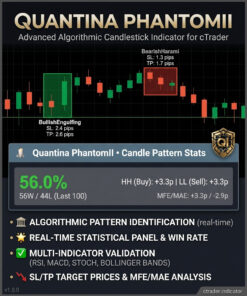
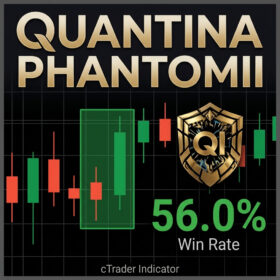 Phantomll Candlestick Analytics
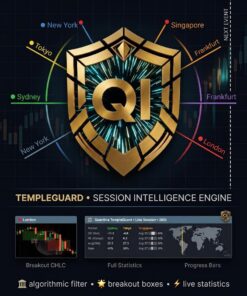
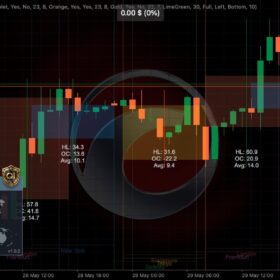 TempleGuard Session Indicator
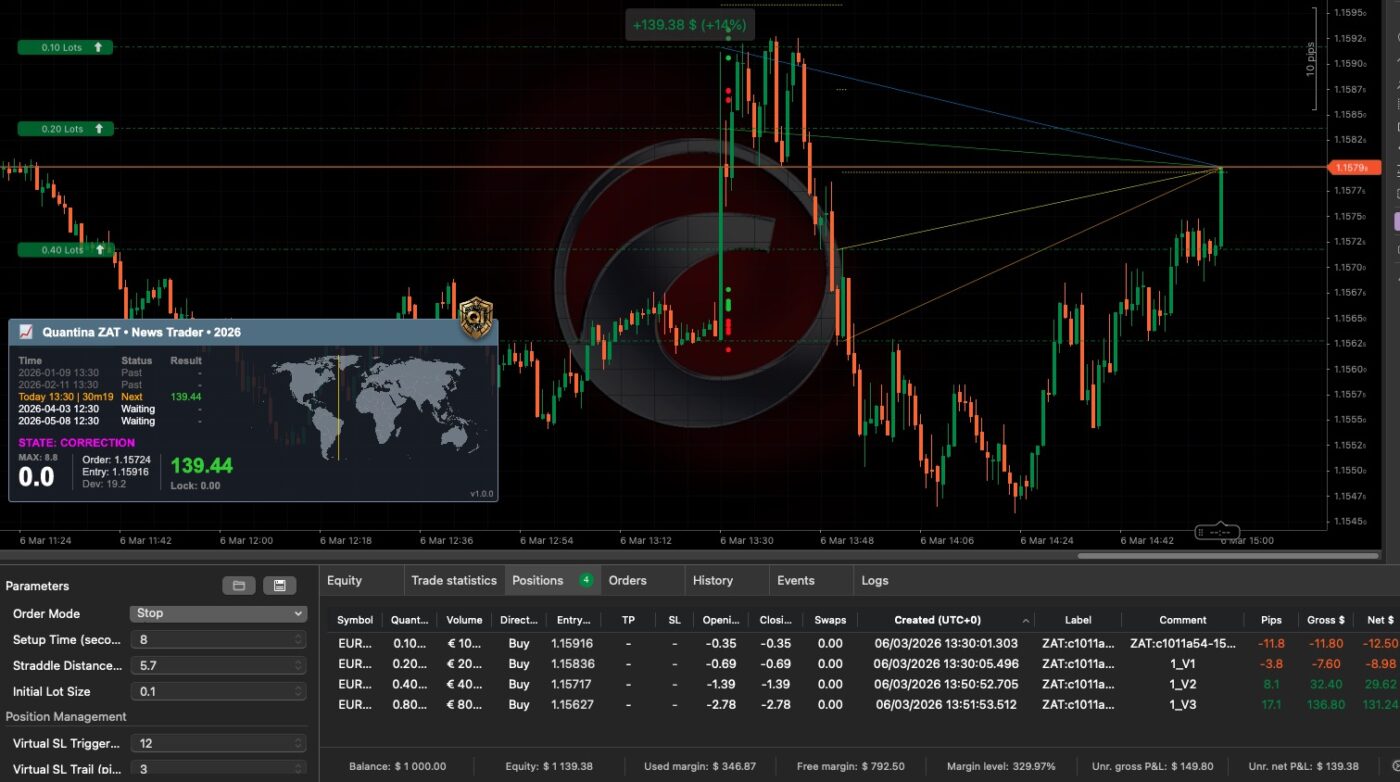
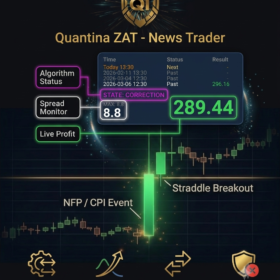 Quantina ZAT News Trader cBot